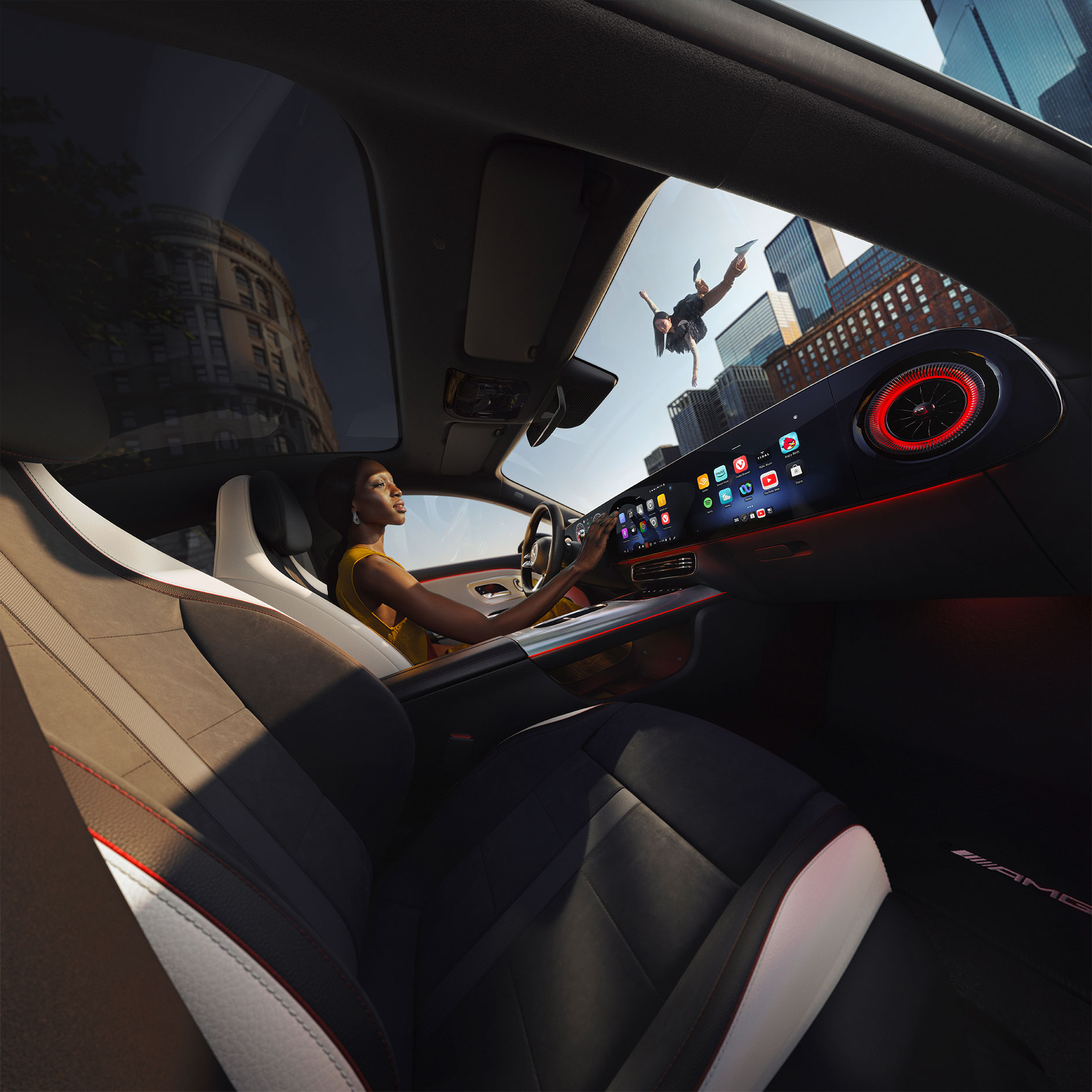
Over-the-Air (OTA) vehicle software updates.

With Over-the-Air (OTA) software updates, your vehicle receives the latest features, system upgrades, and improvements conveniently and securely via the mobile network.

What does OTA mean?

An Over-the-Air (OTA) update is a wireless software update delivered to your vehicle’s operating system. The update downloads automatically, alerting the driver once it's available for installation. The driver must then follow the instructions to approve the installation. The car must be stationary with ignition off for the update to be installed.

These updates can include app, services or feature updates or new safety and comfort functions. With Over-the-Air updates, you are always in control. We make updates available and invite you to approve their installation. Your car guides you through the simple process step by step. Once completed, you have access to the latest features. The scope is growing all the time – from apps and services to new safety and comfort functions. These can include updates to the navigation features, MBUX infotainment enhancements and vehicle performance optimisations.

Meanwhile, backend software updates to our own systems deliver improvements without you having to do anything at all. Software updates keep your vehicle and the related systems up-to-date and prevent security flaws.

Updates are received using the vehicle’s integrated SIM card, eliminating the need to visit a Showroom for basic software enhancements.

Conveniently Over-the-Air

Download and install updates quickly and easily where and when you want.

With Over-the-Air updates, you are always in control. We make updates available and invite you to approve their installation. Your car guides you through the simple process step by step. Once completed, you have access to the latest features. The scope is growing all the time – from apps and services to new safety and comfort functions. These can include updates to the navigation features, MBUX infotainment enhancements and vehicle performance optimisations.

Meanwhile, backend software updates to our own systems deliver improvements without you having to do anything at all. Software updates keep your vehicle and the related systems up-to-date and prevent security flaws.
x

The benefits of Mercedes-Benz software updates.

Access to our latest innovations means your Mercedes-Benz still feels fresh, long after you bought it.

Here is how

How to update your Mercedes-Benz car software Over-the-Air.

The free process is extremely easy, and your car will walk you through it step by step. The advanced information notifying you that an update is available tells you which update content is relevant for your specific vehicle. The update is delivered through the SIM card installed in the vehicle using the mobile network. No additional costs will be incurred by you.

Highlights

Highlight features added via OTA updates.

The selection of great new features, functions and content available for installation is growing all the time. Many are specific to individual markets and models, based on our customer’s needs and preferences. This is how we are tailoring the Mercedes-Benz user experience around the world. Here are just a few highlights. There is lots more to look forward to.

Innovation never stops

More technology that cares.

There is plenty more Mercedes-Benz technology to discover. It ranges from state-of-the-art drivetrain technologies to advanced driving assistance systems, an intelligent and hyper personalised user experience, integrated safety features and lots more besides. All are developed to empower you, keep you safe and bring you joy.
x

Over-the-Air (OTA) Software Updates FAQs.

The car will display an estimated duration on the screen before the update starts. Updates can take anywhere from a few minutes to 90 minutes or more.
Over-the-Air (OTA) software updates are delivered over the cellular network for free.
No, you cannot drive your Mercedes-Benz during an active Over-the-Air (OTA) update.

While the initial download of the update can happen while you are driving, the actual installation process requires the car to be stationary and turned off.
You can manage your vehicle’s Over-the-Air (OTA) settings in your MBUX infotainment system. You can enable or deactivate automatic updates and downloads.

Some of the model features, optional extras and colours shown may not be available, or may only be available in a different specification, or at a different price.