Mercedes me ID: Pre-Owner Benefits

Mercedes me ID: Unlock your Mercedes-Benz Digital Benefits.

The Mercedes me ID is your access point to your personal account for accessing exclusive Mercedes-Benz advantages as Mercedes-Benz owner or even before owning a car.

Mercedes me ID Pre-Owner Benefits.

• Configure your car and save configurations in your wishlist
• Compare saved models and ready-for-delivery options with detailed explanations
• Book and manage test drives from your account
• Join the Mercedes-Benz community and AMG private Lounge for exclusive benefits
• Manage your personal data and enjoy the possibility of seamless recognition across web, app and retailer platforms without repeatedly entering your details, saving you time and effort
• Get access to your personal inbox and receive messages


Access all these benefits by creating a Mercedes me ID and log-in on our website.

Mercedes me ID: Owner Benefits

Mercedes me ID Owner Benefits.

After purchase you can connect your account to your vehicle, activate Digital Extras and use the Mercedes-Benz Apps.

Business Profile Benefits

Mercedes me ID Business Profile Benefits.

Simplify the administration of your business vehicles with the Mercedes me ID. Experience these benefits with your business account:

• Company vehicle management: Keep track of your company vehicles status and receive tailored recommendations for your fleet
• Manage and purchase Digital Extras on company's invoice
• Manage maintenance: Receive timely reminders for upcoming service
appointments or legal inspections, which can access rights to through the online Extras.
• User and Role management: Manage users
• User management: Define who can access, operate or drive your vehicles
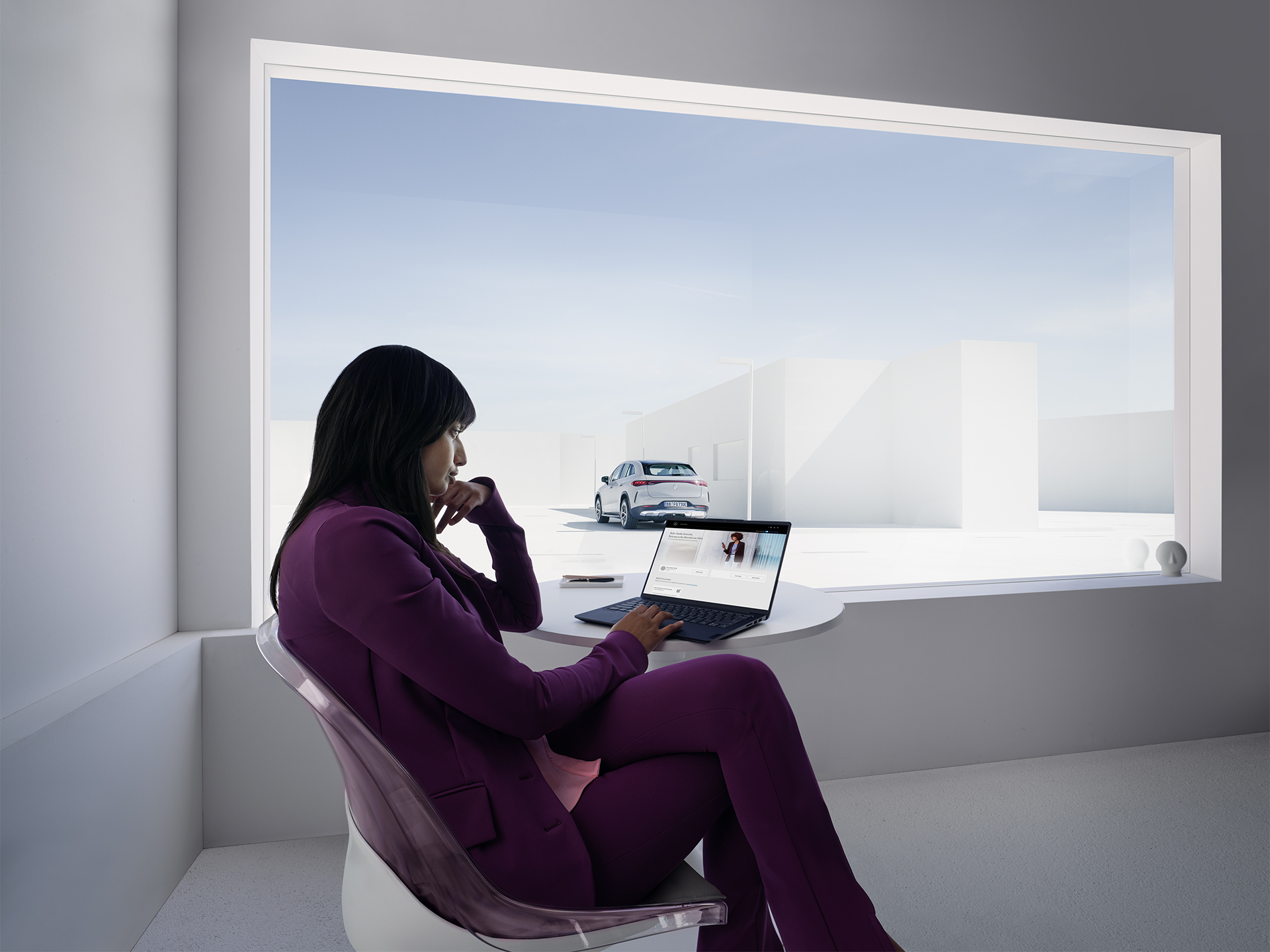
 

A woman working at a laptop sits in a white office in front of a large window.

Create your Mercedes me ID

User Guide.

To create your Mercedes me ID, follow the four simple steps below.

Mercedes me ID – FAQs


Frequently asked questions about the Mercedes me ID.

You will find the most frequent questions and answers relating to the Mercedes me ID in this overview. If you have any other questions or comments, please email us (me-connect.deu@cac.mercedes-benz.com) or call us (00800 9777 7777).
We're always happy to help!


The Mercedes me ID gives you central access to services from Mercedes-Benz and our cooperation partners.
Your Mercedes me ID provides you with a central point of access that enables you to register for our services, as well as a central profile in which you can change your details.
We are continually improving the Mercedes me ID for you, and more and more services will support the Mercedes me ID in future.


You can delete your Mercedes me ID within your Mercedes-Benz account. Go to your Mercedes-Benz account details section ("My account"). At the bottom of this page you can find the corresponding option "Delete Mercedes-Benz account". However, please note that after deleting your Mercedes me ID you will no longer be able to use the Mercedes me ID Services. For more information, please refer to the Mercedes me ID Service Terms and Privacy Policy, which you can view in the registration dialogue.


In order to offer you a Mercedes me ID, it is necessary to collect and process personal data from you. This is done strictly in accordance with the data protection laws applicable (e.g. GDPR) in the country of the provider, of course.

For detailed information, please refer to the Mercedes me ID Service Terms and Privacy Policy.


To login to your Mercedes-Benz account use your e-mail address and password (credentials) you used for in the registration process.


The most common reason as to why you may not be able to connect to your Mercedes-Benz account, is a spelling error in your credentials (e-mail address or password typo). Please ensure that you are using the same credentials you used to register your Mercedes-Benz account. If you have forgotten your password please use the Password Reset option to set a new password.


Your Mercedes me ID is your e-mail address which you used to register for Mercedes me ID (some legacy accounts used to register a mobile number - in those cases this mobile number is taken as Mercedes me ID). You can find your registered Mercedes me ID details when opening your Mercedes-Benz account details section ("My account"  > "Login and Security") in Mercedes-Benz web (you can login here) and mobile app (Download Mercedes-Benz App: Google Play Store, App Store) applications.


To use the Digital Extras, you must create a Mercedes me ID and agree to the terms of use for the Digital Extras (Register to Mme ID). To use the services, the vehicle must be paired with the corresponding user account. You can pair your vehicle in  your Mercedes-Benz account at the section "My Dashbaord > New Vehicle" based on your Vehicle Identification Number (VIN) or within the Mercedes-Benz App.

Go to Dashboard

Download Mercedes-Benz App:
Google Play Store
App Store


Please contact your Mercedes-Benz dealer or our customer service channels. They will help you to reset the Mercedes me ID – vehicle connection. Therefore, please see contact information above FAQs.


You can reset your credentials (e-mail address/password) within the Mercedes-Benz account in the section "My account". The e-mail address can be modified with the option "Login and Security".


You can reset your password within the Mercedes-Benz account in the section "My account" > "Login and Security". If you have forgotten your password, you can reset it by entering your e-mail address in the login screen and click "Forgot password" button. A e-mail will be set with guidance how to reset your password.

If you have forgotten your full credentials please contact the Mercedes-Benz Customer Assistence Center (CAC) for support. Therefore, please see contact information above the FAQ section.  


With your Mercedes me ID, you have access to the Mercedes-Benz Privacy Center. Here you can see whether and how your personal data is processed in connection with your Mercedes me ID and the Mercedes-Benz services you have selected, including, for example, the respective controller, the purpose of the data processing and the personal data concerned (categories) (collectively "transparency function"). You can decide for yourself for what purpose we may process your data and make settings for this in the Mercedes-Benz Data Privacy Center ("choice").
You can also find out more about how we handle data protection at the Mercedes-Benz Privacy Center page.


In order to enable other people to use the activated Mercedes-Benz Digital Extras in your vehicle you must register them as co-users in your Mercedes-Benz user account. To do this, in your Mercedes-Benz account select your vehicle in the dashbaord, click on "Administer vehicle > Administer co-users". There you can add new users or delete existing ones. The co-users require their own Mercedes-Benz user account and must agree to activation.
 

The co-users can look at certain services in the same way and operate them as you can, but they have no authorisations for:

- Activating/deactivating services
- Purchasing/cancelling
- Pairing/unpairing vehicles


The Mercedes me ID is a central component in a large number of services and is used by various Mercedes-Benz Service Providers. The purpose is to enable a seamless customer experience across different services and to ensure direct access. In addition, the Mercedes me ID enables secure data exchange of your personal data of your user account across system boundaries, thus preventing redundant data entries for you. For this reason, the Mercedes me ID is mandatory in almost all areas when using our services.
However, in select use cases, we also enable guest operations.


If your vehicle is no longer shown as connected, it may be because you created a new account instead of logging into the original one, where the vehicle was previously connected. Please login to your original account and delete the second account you created. You can find out how to delete an account and how to reset a password in the above FAQs. In case of need of further assistance you can contact our Customer Assistance Centre.


Please contact the Mercedes-Benz Customer Assistence Center (CAC) for further support. Therefore, please see contact information above the FAQ section.